All your utility bills in one place. Check 20+ Pakistani utility companies — electricity, gas, water & telecom — in seconds. Get reminders before due dates, see 12 months of history, and share bills with one tap.
Coming soon to both stores. 🚀
No more juggling five different portals — one app for every bill.
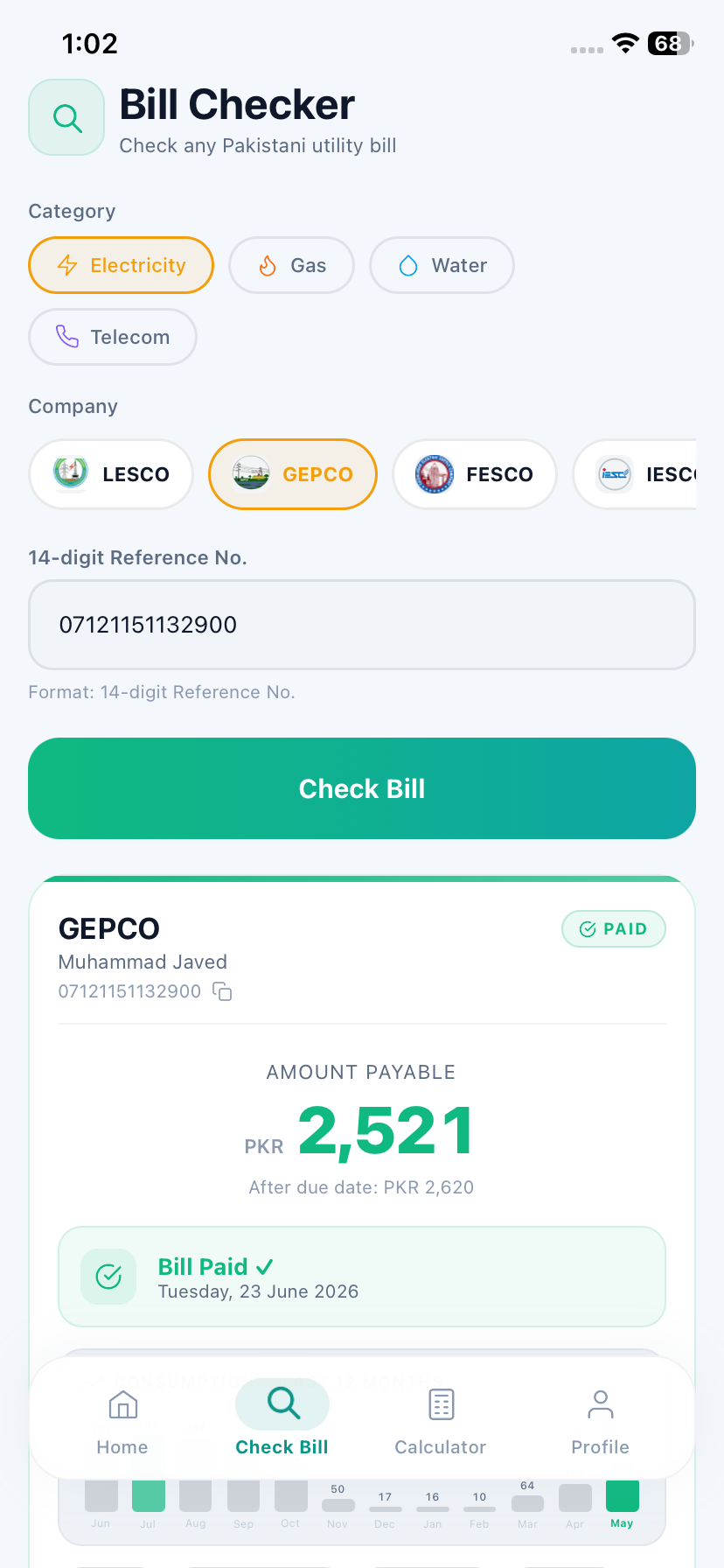
Enter a reference number and get the amount, due date and full details in seconds — straight from the company's official portal.
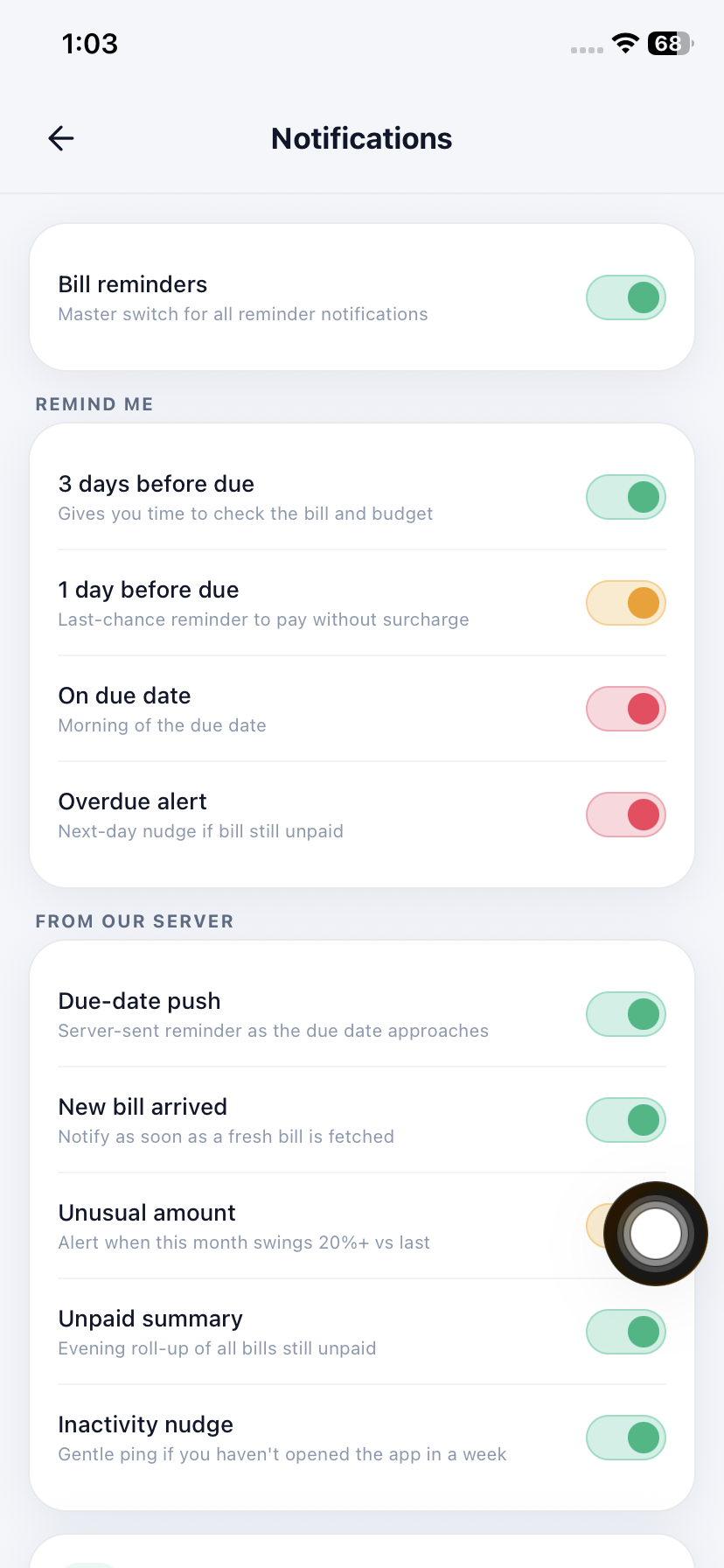
Get notified before a bill is due — never pay a late-payment surcharge again. Instant alerts when a new bill arrives.
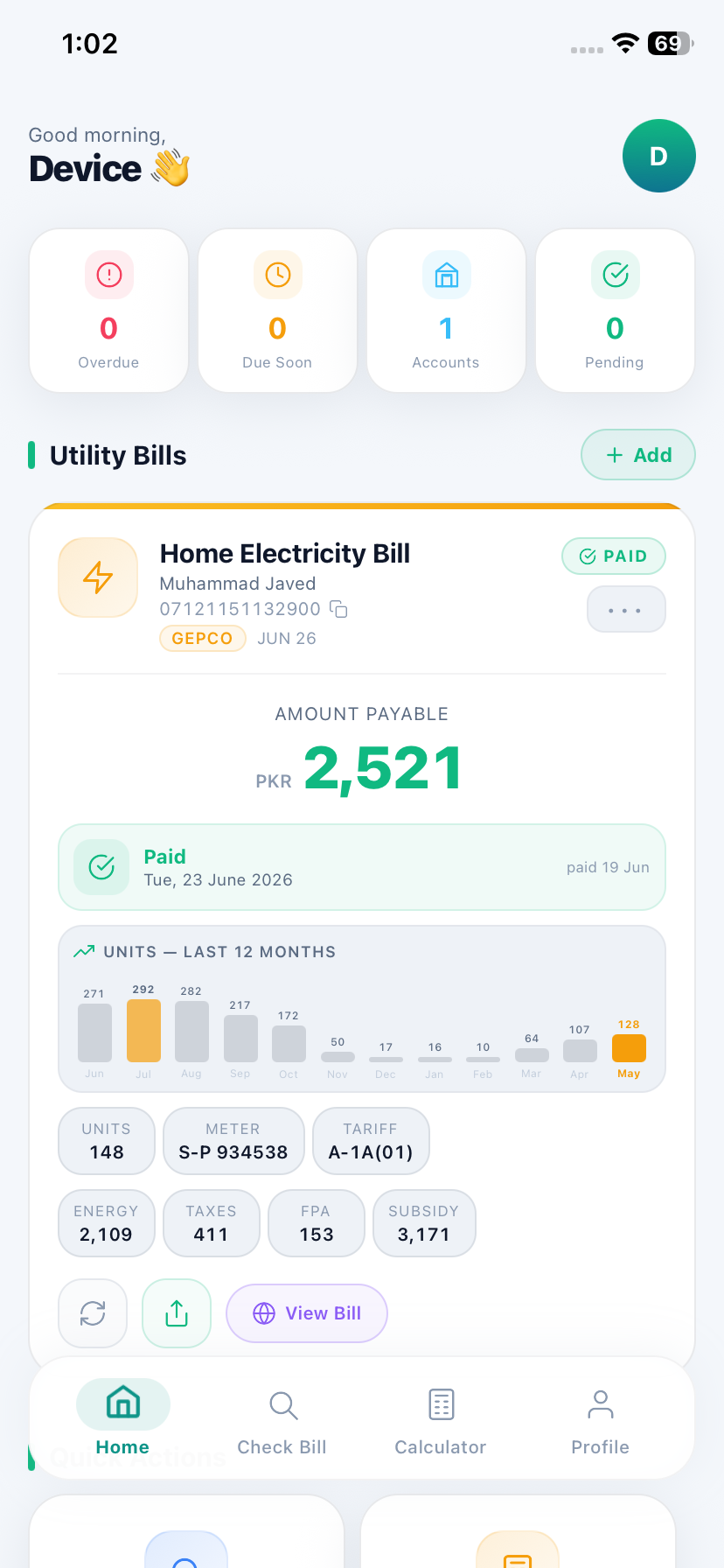
Units and amounts charted for every month — see when consumption spiked, when it dropped, and why.
Share the actual bill image on WhatsApp or save it with one tap — perfect for tenants, landlords and family.
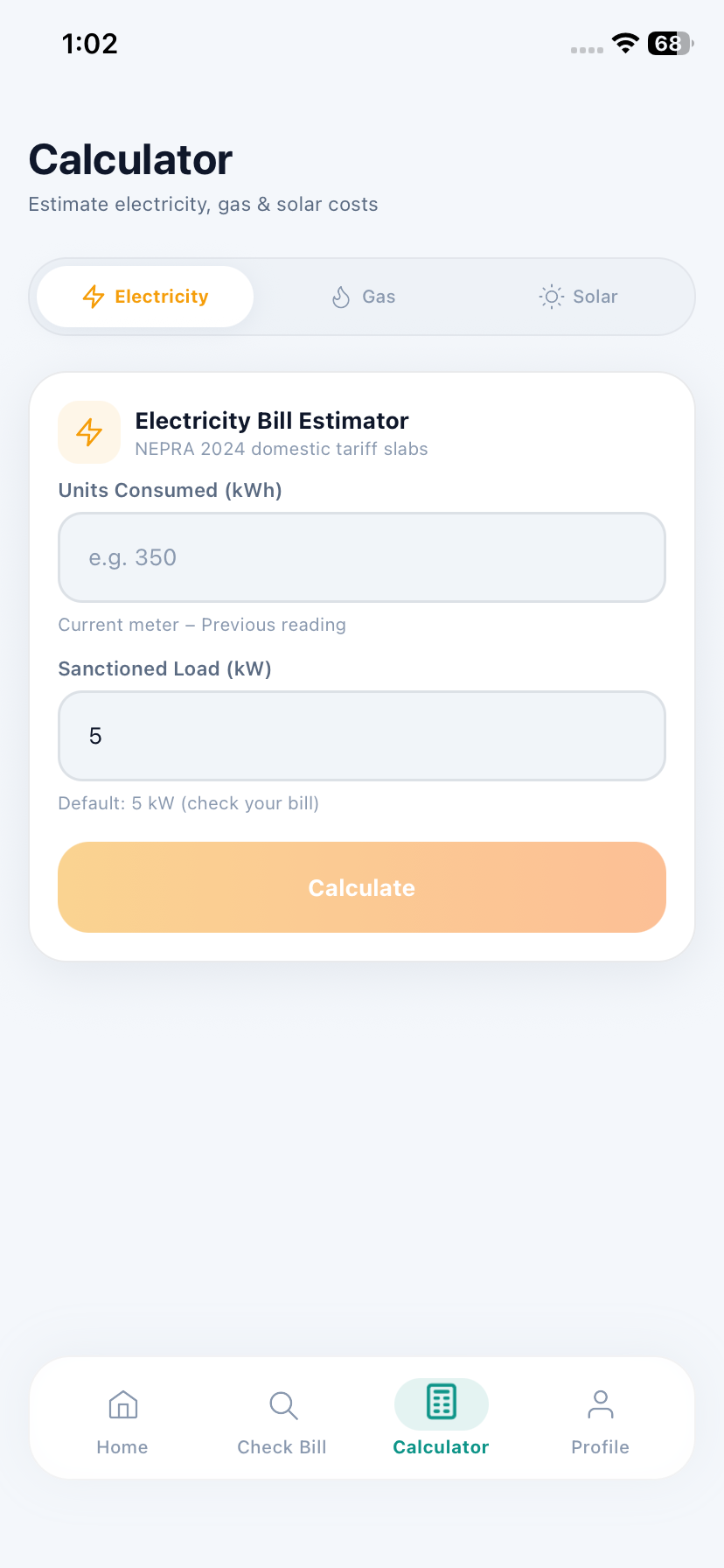
Estimate your bill from units (NEPRA slabs), and size a solar system with payback period — before you spend.
Gorgeous dark & light themes, smooth animations, and a design built for Pakistan from day one.
Real screens from the app.
Every electricity DISCO, plus gas, water and telecom.
All company names and logos are trademarks of their respective owners, used here only to identify the bill source. PakBill is not affiliated with any utility provider or government entity.
Pick your company and enter the bill reference number. Give it a nickname like "Home" or "Shop".
Every month's new bill appears on your dashboard — amount, due date and history included.
A reminder lands before the due date. Say goodbye to late surcharges.
Yes — bill checking, reminders and history are completely free.
Directly from each company's official public bill portal (like bill.pitc.com.pk). We never modify the data — we just present it in a cleaner, easier format.
No. We only store the bill reference numbers you add. We never ask for passwords, OTPs or payment credentials — you pay through your own bank, JazzCash or EasyPaisa as usual.
All 11+ electricity DISCOs (LESCO, GEPCO, FESCO, MEPCO, IESCO…), gas (SNGPL, SSGC), telecom (PTCL) and water boards (WASA Lahore / Faisalabad / Rawalpindi / Multan / Gujranwala, KWSB). The list keeps growing.
From Profile → Manage Accounts inside the app, or follow the steps on the Delete Account page.